How AViCAD Is Used in Real Projects
AutoCAD Alternative Use Cases: How AViCAD Is Used in Real ProjectsSee how different users—from beginners to engineering teams—use AViCAD to solve real-world challenges and get work done faster.
Independent CAD User
Challenge: Needed to finish a set of DWG drawings after taking over a project that was already behind schedule.
Solution: Opened the existing files in AViCAD and continued working with familiar commands and layers.
Result: Delivered the drawings on time without slowing down to learn new software.
Multi-Discipline Team
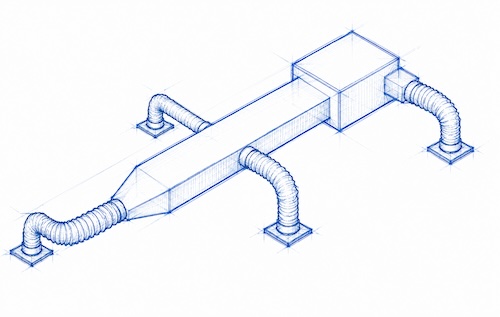
Challenge: Coordinating HVAC and structural layouts on a multi-floor project was causing conflicts late in the process.
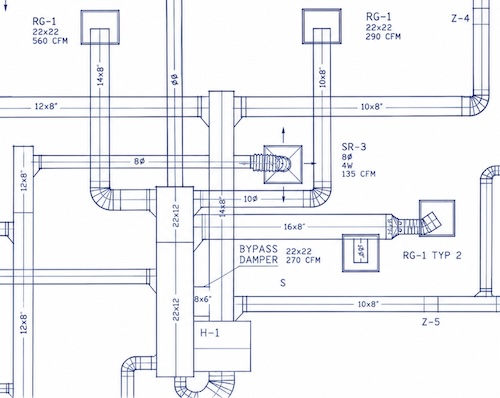
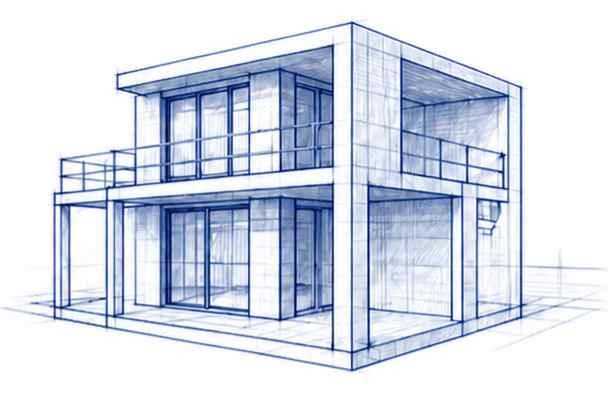
Solution: Used AViCAD’s 3D tools, Mech-Q, and PDF underlays to review layouts, check coordination between systems, and make quick adjustments directly in the DWG files.
Result: Reduced coordination issues and avoided last-minute redesigns.
Switching from AutoCAD
Challenge: Needed a lower-cost option but couldn’t afford downtime relearning commands and workflows.
Solution: Switched to AViCAD and continued using the same commands, aliases, and file types.
Result: Kept projects moving without interruption.
Budget-Conscious Business
Challenge: Needed CAD for multiple users but wanted to avoid ongoing subscription costs.
Solution: Replaced subscription CAD software with AViCAD and continued working with the same DWG files.
Result: Lowered software costs without changing how the team worked.
Occasional CAD User
Challenge: Needed to review and update drawings a few times per month without full-time CAD use.
Solution: Used AViCAD to open DWG files, make revisions, and send updates back to clients—using a monthly option for occasional use.
Result: Handled changes in-house without delays or outsourcing.
New CAD User
Challenge: Wanted to learn CAD for basic drafting but found most software overwhelming.
Solution: Started with AViCAD and followed simple, step-by-step training focused on real tasks.
Result: Began creating usable drawings without getting stuck in complex setup.
Piping Inspector
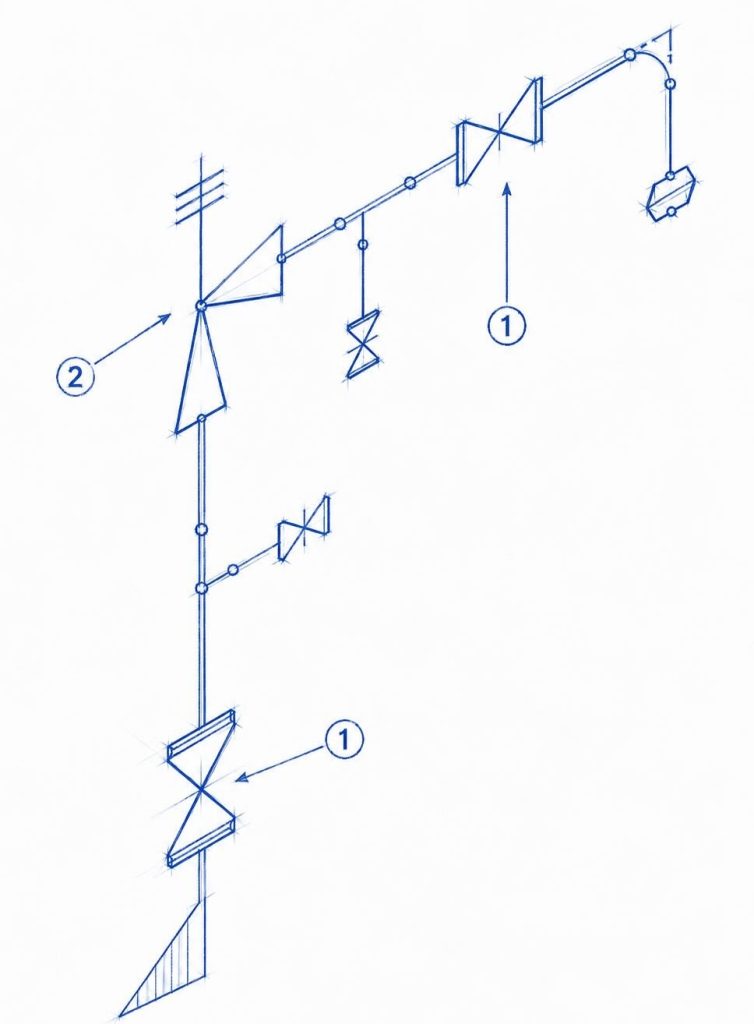
Challenge: Needed to create and verify piping isometric drawings for field documentation and reporting.
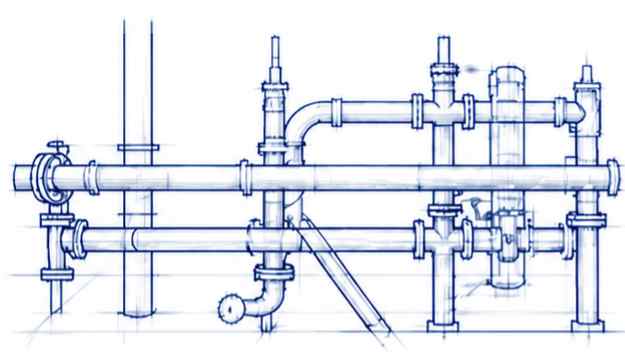
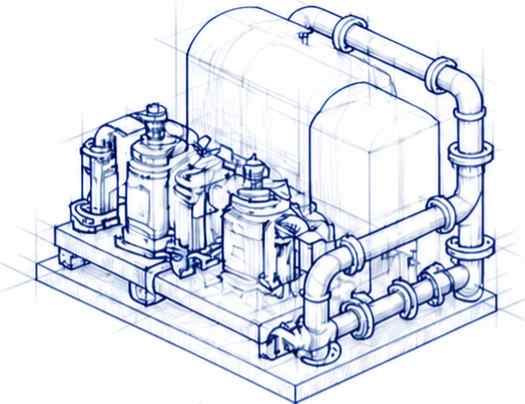
Solution: Used AViCAD with Mech-Q to draw 2D isometric layouts and build simple 3D piping models for visualization.
Result: Produced clear, accurate drawings to support inspection and communication without relying on complex, expensive software.
Get Started with AViCAD
— Try AViCAD with no credit card
— Access training videos and tutorials
— Learn faster with practical workflows
See how AViCAD fits your workflow!