AViCAD Upgrade

AViCAD : Unleashing Powerful Engineering and Architectural Tools

Have an older AViCAD version? Upgrade it today.

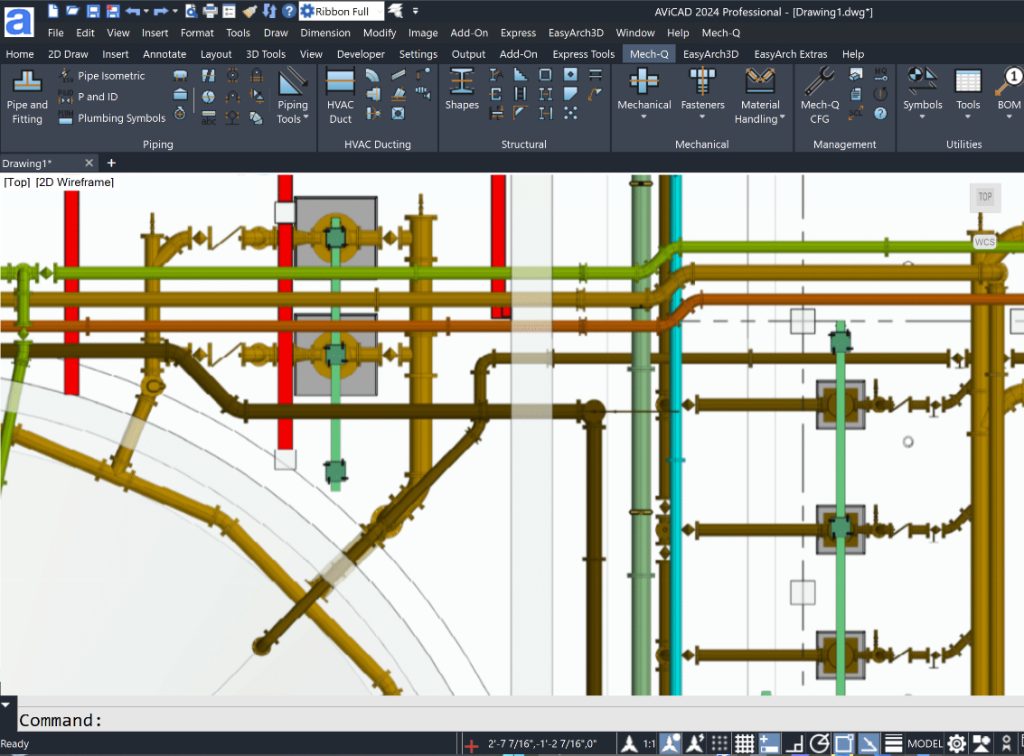
AViCAD 2027 is now available. Explore new features including faster performance, drawing comparison tools, enhanced GIS capabilities, improved Visual LISP support, and more. Get Started Today.


AViCAD Release Notes:

  • Faster Performance: Improved speed when opening, editing, and working with large drawings.
  • Enhanced DWG Compatibility: Improved support for AutoCAD® drawings, custom objects, and third-party workflows.
  • New Drawing Comparison Tools: Quickly identify changes between drawing revisions.
  • Floating Drawing Windows: Detach drawings and work across multiple monitors.
  • Improved Block Tools: Enhanced support for creating, editing, and managing dynamic blocks.
  • GIS & Mapping Enhancements: Access online mapping services and geospatial data directly within CAD.
  • Improved LISP Compatibility: Better support for legacy and modern LISP applications and automation routines.
  • Architectural & AEC Enhancements: Continued improvements for architectural design and intelligent building objects.
  • Migration Tools: Easily transfer settings, profiles, menus, and customizations from previous installations.
  • Enhanced Drafting & Annotation: Improvements to dimensions, grips, snapping, selections, and everyday editing commands.
  • Improved 3D Modeling: Enhanced surface, solid, and visualization tools for design workflows.
  • User Interface Enhancements: Smoother workflows, improved palettes, better multi-document handling, and numerous usability improvements.

Upgrade AViCAD

PriceTotal Due TodaySubtotalFree TrialAmount Due

We’ve released hundreds of improvements and a new CAD engine that makes everything faster and more stable.

Click on an AViCAD option below:

All upgrades include the Plus version containing PDF to DWG, Solidworks import-export, 3D PDF Creator, Easyarch, Icadlibrary, and the Mech-Q Suite.

What is Flex Licensing?

What does Flex Licensing do?
Flex Licensing allows a single AViCAD perpetual license to be shared between multiple computers or users, with only one active use at a time.

Can I install AViCAD on multiple computers?
Yes. Install AViCAD on multiple computers and transfer the license between them as needed.

Can more than one person use the license at the same time?
No. Flex Licensing permits one active user at a time.

Can I move the license between my office and home computer?
Yes. Flex Licensing is ideal for users who work from multiple locations or use more than one computer.

Can I transfer the license to another user?
Yes. The active license can be released and transferred to another user or computer when needed.

Do I need a network license server?
No. Flex Licensing is cloud-based and does not require a server, VPN, or license manager.

Is Flex Licensing a subscription?
No. Flex Licensing is a one-time add-on available with AViCAD perpetual licenses.

Who is Flex Licensing best for?
Individual users who work from multiple computers, consultants, remote workers, and small teams that occasionally share a license.

SubtotalTotal Installment PaymentsInitial Payment TotalTotal Due TodaySubtotalFree TrialAmount Due I agree to AViCAD’s software terms Purchase